Iron Crest AdvantageIron Crest Advantage
Guided walkthroughs

See what the platform can do — one section at a time

Every step pairs a short screen recording taken inside the platform with plain-English instructions — what screen you are on, what to enter, and why it matters later.

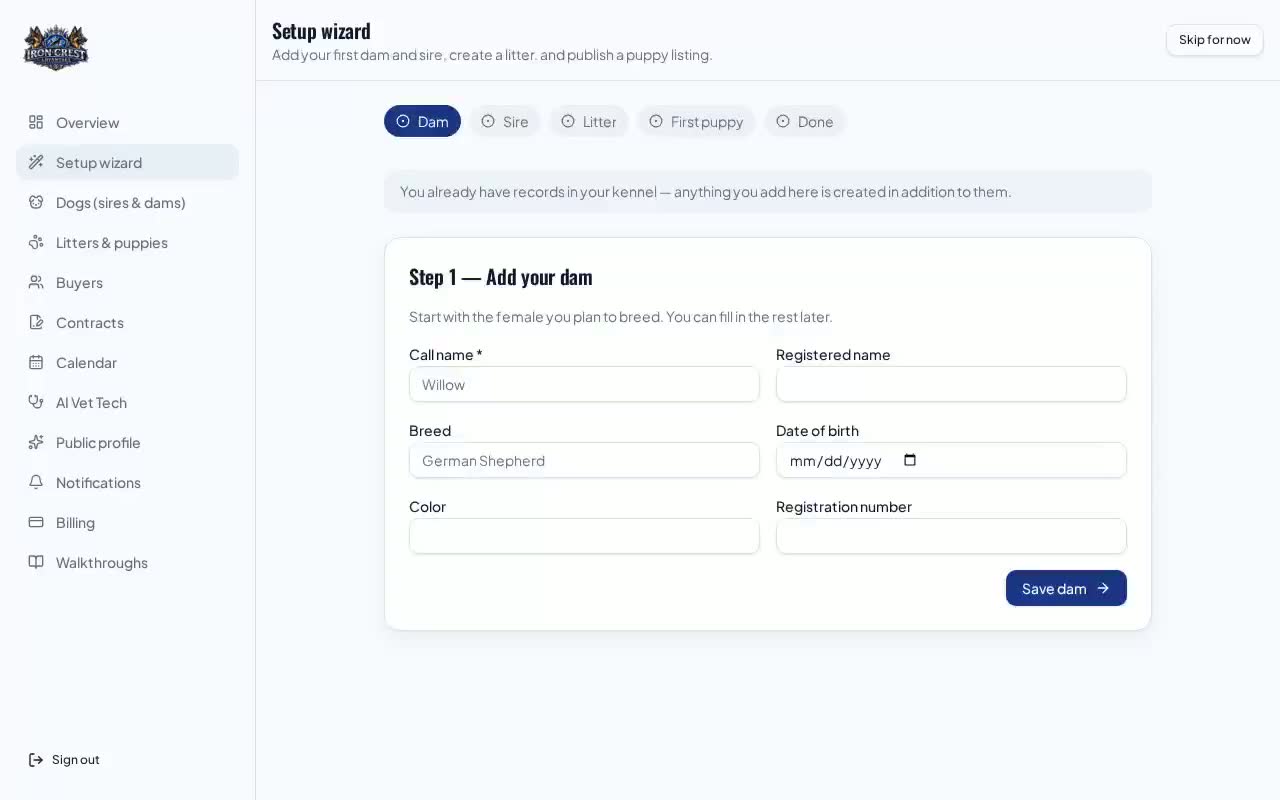
Setup & your dogs walkthrough preview
Breeders
6 min · 4 steps Video

Setup & your dogs

Create your kennel, then build complete records for every sire and dam — photos, health testing, registrations and documents.

  1. 1.Run the setup wizard
  2. 2.Add your sires and dams
  3. 3.Upload photos and pick a main image
  4. +1 more steps
Start walkthrough
Litters, whelping & puppy records walkthrough preview
Breeders
8 min · 6 steps Video

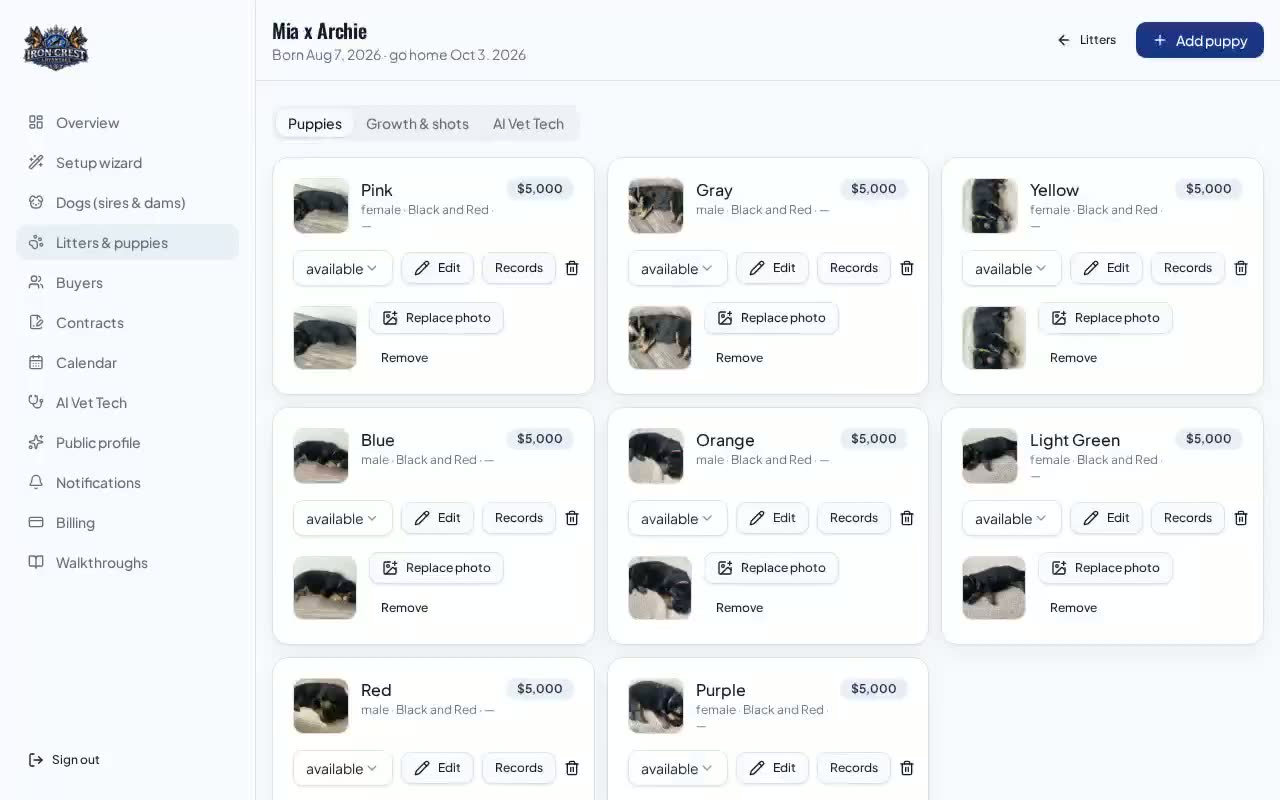
Litters, whelping & puppy records

Plan a pairing, track progesterone and whelping, then keep daily weights, vaccinations and deworming for every puppy.

  1. 1.Create the pairing
  2. 2.Track progesterone and pregnancy
  3. 3.Register each puppy at whelping
  4. +3 more steps
Start walkthrough
Buyers, applications, contracts & payments walkthrough preview
Breeders
7 min · 5 steps Video

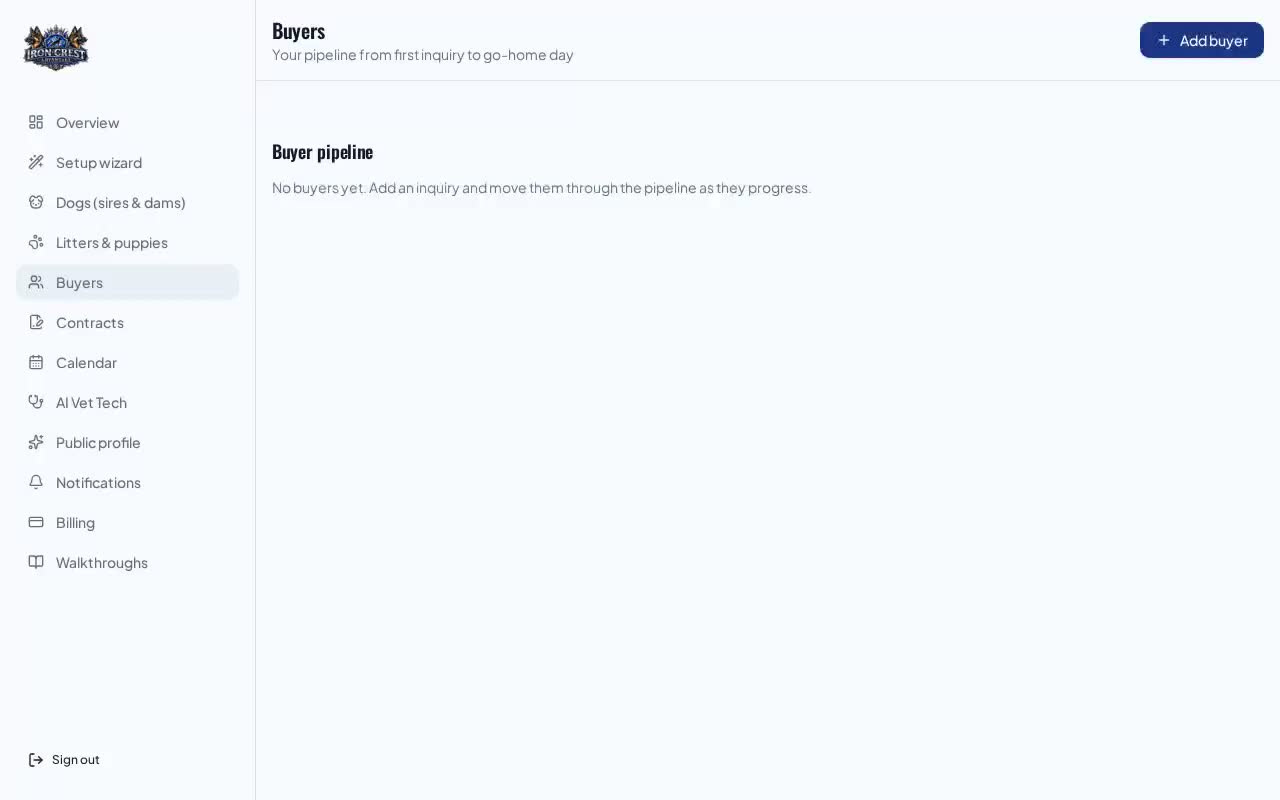
Buyers, applications, contracts & payments

Move a lead from first enquiry to signed contract, paid deposit and go-home day without leaving the platform.

  1. 1.Collect applications
  2. 2.Work the pipeline
  3. 3.Send the contract for e-signature
  4. +2 more steps
Start walkthrough
Marketplace, public profile & commission walkthrough preview
Breeders & buyers
5 min · 5 steps Video

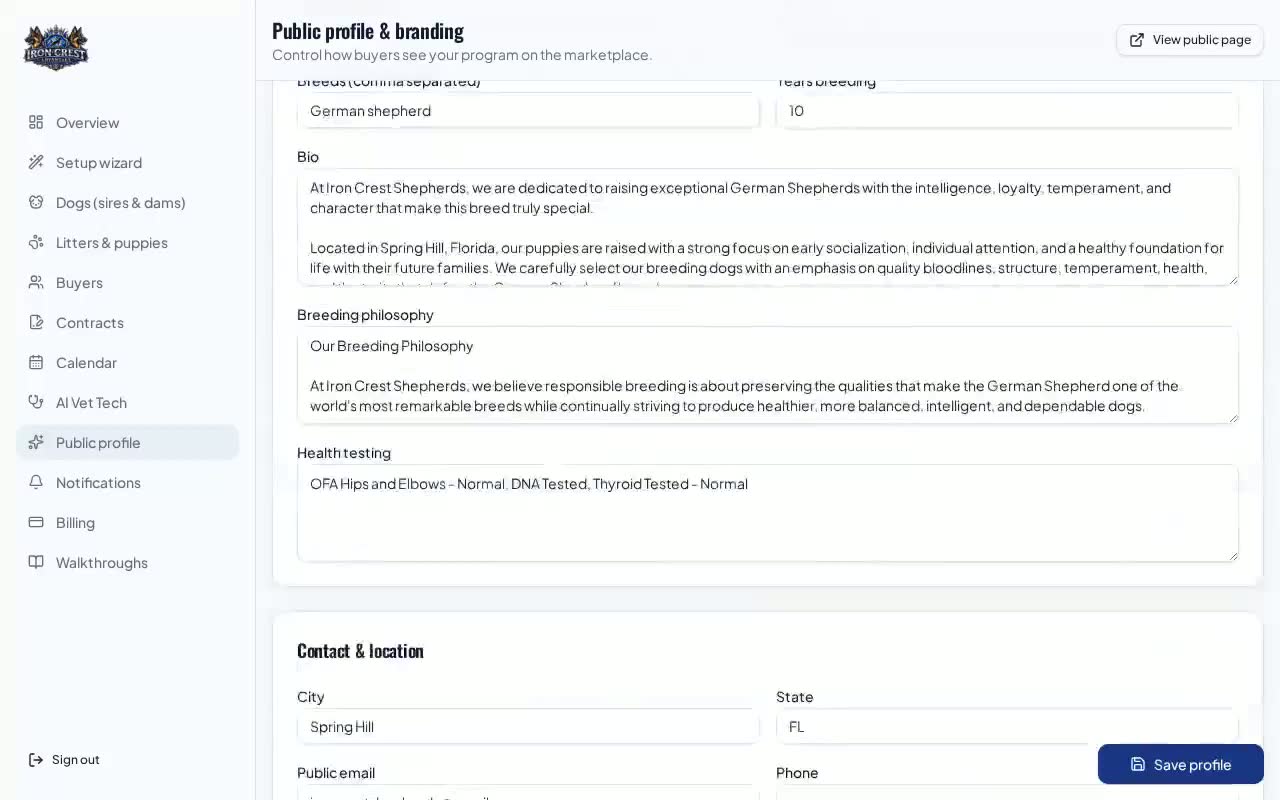
Marketplace, public profile & commission

Publish a profile buyers trust, list available puppies, and understand exactly what a sale costs on each plan.

  1. 1.Build your public profile
  2. 2.Fill in the SEO fields
  3. 3.List puppies for sale
  4. +2 more steps
Start walkthrough
Calendar, progesterone & weight tracking walkthrough preview
Breeders
6 min · 5 steps Video

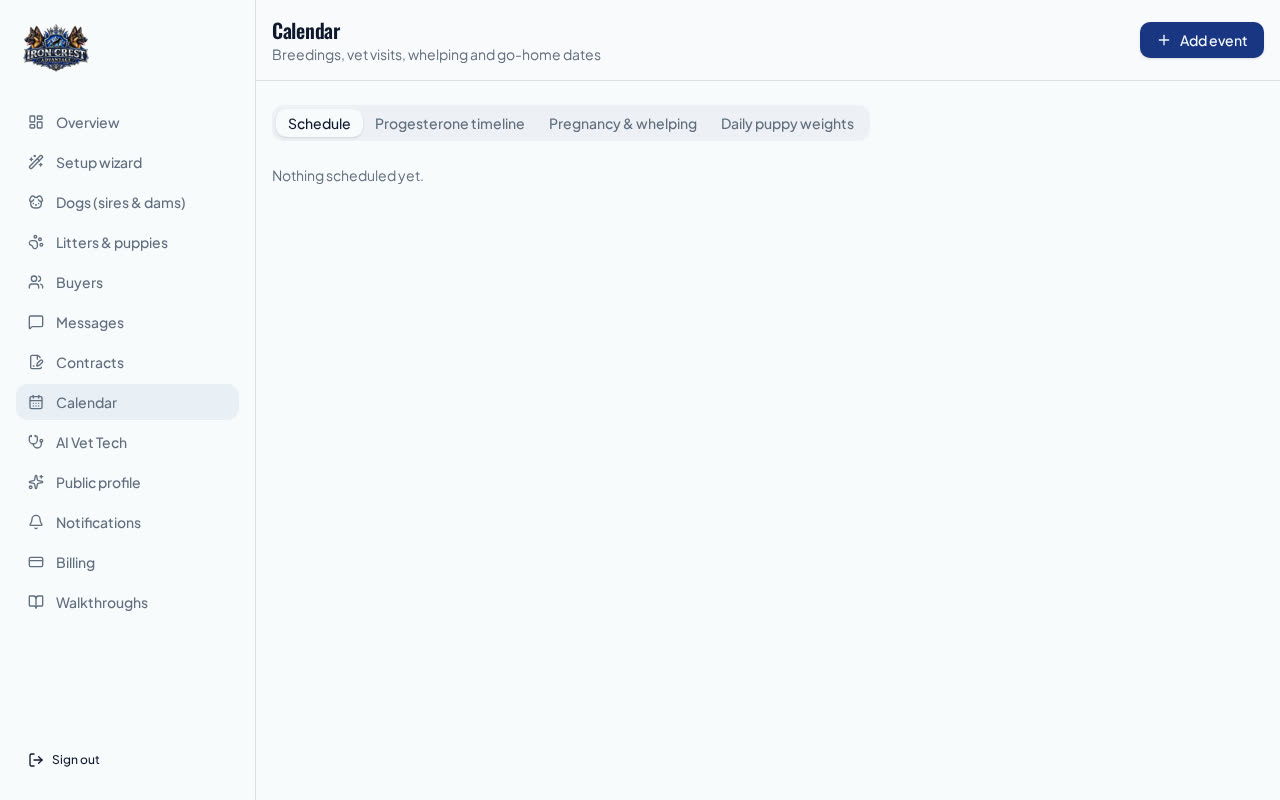
Calendar, progesterone & weight tracking

Use the four calendar tabs — schedule, progesterone timeline, pregnancy & whelping, and the puppy weight grid — to run your program on time.

  1. 1.Find the four calendar tabs
  2. 2.Read the progesterone timeline
  3. 3.Track pregnancy & whelping dates
  4. +2 more steps
Start walkthrough